Undetectable AI Tools for Meetings — How They Work and Why They Matter
How do undetectable AI meeting tools work? We explain the technology behind invisible overlays, why they're different from browser extensions, and when to use them.
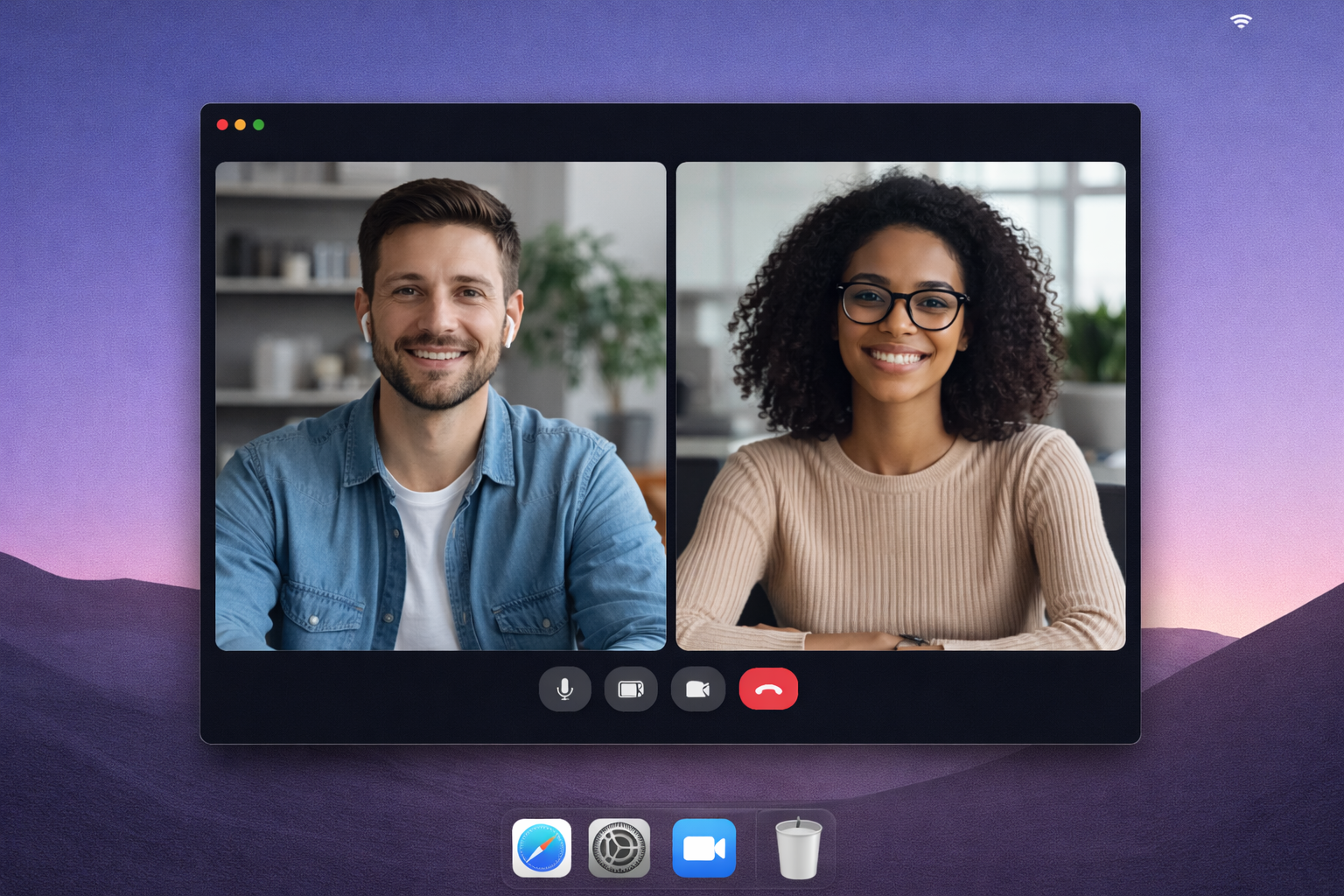
Undetectable AI Tools for Meetings — How They Work and Why They Matter
The idea of having AI help during a live meeting isn't new. But the technology that makes it truly undetectable is relatively recent. Here's how it works.
The Problem with Browser Extensions
Most early AI meeting tools were browser extensions. The problem: browser extensions can be detected by screen-sharing software, show up in browser toolbars, and sometimes inject visible elements into the page.
If you're in a job interview or a sensitive negotiation, a visible AI tool is worse than no tool at all.
How Desktop Overlays Work
A desktop overlay is a transparent window that sits on top of all other applications. It's rendered by the operating system's compositor, not by the browser — which means:
- Screen-sharing software doesn't capture it. Zoom, Meet, and Teams share specific windows or screens, but overlays rendered at the OS level can be excluded from capture.
- No browser footprint. There's nothing in your browser toolbar, no extension icon, no injected DOM elements.
- Works with any app. Because it's OS-level, it works on top of Zoom, Meet, Teams, Webex, Slack huddles — anything.
Meeting Copilot uses Electron to create this overlay. The overlay window is configured with alwaysOnTop and transparency settings that make it visible only on your physical screen.
What Makes It Truly Undetectable
Three things matter:
- No screen-share leakage. The overlay must not appear when you share your screen. This is handled at the OS window level.
- No audio artifacts. The tool should not produce sounds, notifications, or typing indicators that could be picked up by your microphone.
- No behavioral tells. The UI should be minimal enough that you don't need to look away from the camera or type during the conversation. A single tap should be enough.
When to Use an Invisible AI Meeting Tool
- Job interviews — Get structured answers to behavioral and technical questions
- Sales calls — Handle objections and ask better discovery questions
- Negotiations — Get counter-offer suggestions and stay within your boundaries
- Client meetings — Reference project details and suggest next steps
- Performance reviews — Prepare responses to feedback and articulate your contributions
Privacy Considerations
A good undetectable AI tool should also be transparent about its own data practices:
- You control when recording starts and stops
- Transcripts are stored with configurable retention periods
- You can export or delete your data at any time
- No data is shared with third parties
Try It Yourself
Meeting Copilot is being prepared as a desktop overlay for macOS and Windows. It is designed to stay invisible to screen-sharing, deliver real-time suggestions, and put you in control of your data.
Register your platform interest for the private desktop release.